


Businesses rely on software for accounting, customer relationship management, human resources, project management, sales, marketing, operations, and other functions. As the number of available business applications grows, choosing between similar solutions can become difficult.
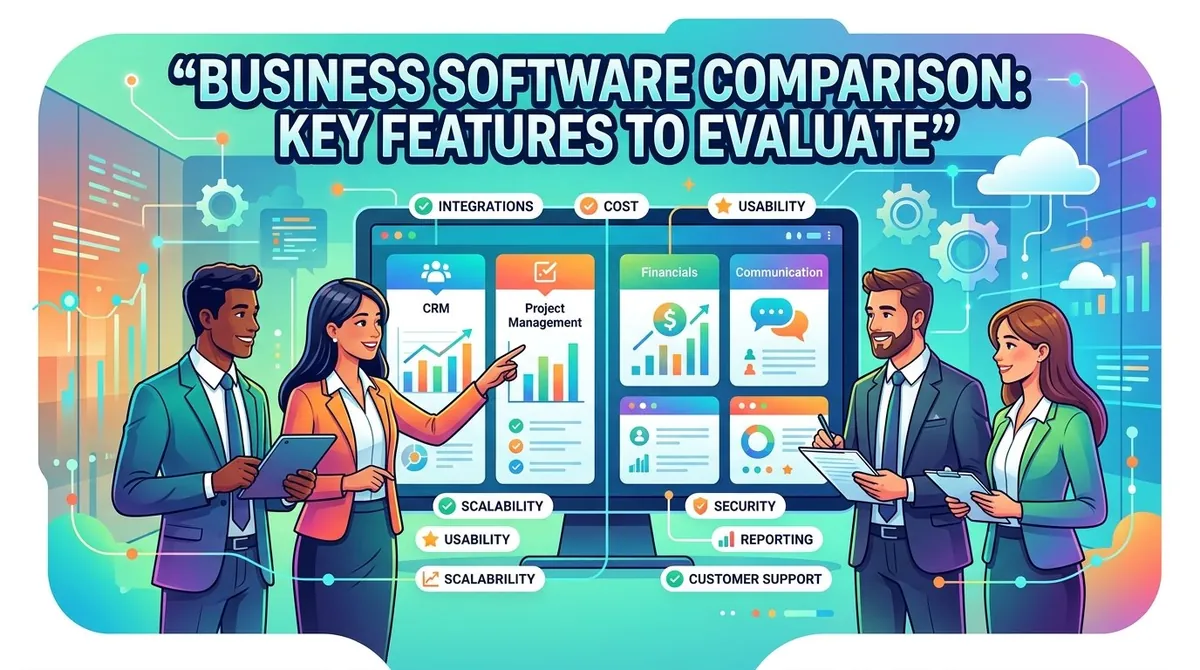
A business software comparison involves evaluating applications according to the features, integrations, usability, security, scalability, support, and costs that matter to a particular organization. A structured comparison can help businesses distinguish between essential requirements and features that may not provide meaningful value.
There is no single software solution that fits every organization. The appropriate choice depends on business processes, users, existing technology, data requirements, budget, and future plans. A clear evaluation framework can make the selection process more consistent and practical.
What Is Business Software?
Business software refers to applications designed to support organizational activities and processes. These applications can range from specialized tools for a single department to broader platforms that support multiple business functions.
Common categories include:
- Accounting and financial software
- Customer relationship management (CRM)
- Enterprise resource planning (ERP)
- Human resources software
- Project management software
- Marketing automation
- Business intelligence and analytics
- Workflow automation
- Customer service platforms
Some businesses use separate applications for each function, while others prefer integrated suites. Microsoft notes that technology selection should be connected to business processes and involve relevant stakeholders rather than being treated simply as a technology decision.
Why Compare Business Software?
Comparing software before purchasing can help businesses identify differences that may not be obvious from product descriptions.
Two applications may both offer accounting, CRM, or project management features while differing substantially in customization, integrations, reporting, security controls, user experience, and pricing.
A comparison can also help businesses identify unnecessary features. Purchasing a system with capabilities that employees will not use can increase costs and complexity without providing corresponding benefits.
IBM describes software evaluation as a process that involves identifying challenges, defining stakeholder requirements, and matching those requirements with software features and functions.
Key Features to Evaluate
Core Functionality
The first consideration should be whether the software performs the tasks the business actually needs.
Create a list of essential functions before comparing vendors. For example, an accounting system might need invoicing, bank reconciliation, expense tracking, financial reporting, and tax-related functionality.
Separate must-have features from desirable extras. This makes it easier to eliminate products that do not meet fundamental requirements.
Integrations
Business software rarely operates completely on its own. It may need to exchange information with accounting systems, CRM platforms, payment providers, databases, communication applications, or other business tools.
Integration capabilities can therefore be an important comparison factor. Businesses should check whether a platform offers native integrations, APIs, connectors, or other methods for exchanging data.
Oracle identifies scalability, security, data synchronization, and configuration complexity among considerations when integrating SaaS applications.
Ease of Use
A software platform may have extensive functionality but still create problems if employees find it difficult to use.
Consider the experience of different user groups, including administrators, managers, employees, and external users. A product demonstration or trial can help businesses evaluate navigation, workflows, search, reporting, and everyday tasks.
Customization
Businesses often have processes that differ from standard workflows. Software may offer customization through configurable fields, workflows, dashboards, permissions, templates, or business rules.
However, customization can also increase implementation and maintenance requirements. Businesses should determine which processes genuinely require customization and which can reasonably use standard functionality.
Automation
Automation can reduce repetitive administrative work and help standardize processes.
Depending on the software category, automation may include scheduled reports, invoice reminders, approval workflows, lead assignment, employee onboarding, notifications, or data synchronization.
When comparing products, consider whether automation is included in the standard plan and whether advanced automation requires additional subscriptions or technical development.
Reporting and Analytics
Reporting capabilities determine how easily a business can turn software data into useful information.
Evaluate available dashboards, standard reports, custom reporting, data exports, filtering, and analytics capabilities. Consider whether managers can obtain the information they need without relying heavily on technical staff.
Security and Access Controls
Business applications can contain financial, customer, employee, operational, and other sensitive information.
Security considerations may include authentication, role-based permissions, encryption, audit logs, data backup, administrative controls, and compliance capabilities.
Security should be evaluated alongside cost rather than treated as an optional feature. Microsoft notes that reducing security controls solely to optimize costs can increase organizational risk.
Scalability
A software system should accommodate expected changes in users, transaction volume, data, locations, and business processes.
A solution that works for a small organization may become less suitable as the business expands. Oracle recommends defining scalability requirements based on both current and projected workloads.
Mobile and Remote Access
For businesses with remote employees, field teams, or distributed offices, mobile and browser access can be important.
Consider whether the most frequently used functions are available across the devices employees actually use and whether mobile functionality provides the same level of access as the desktop experience.
Pricing and Total Cost of Ownership
Software pricing should be evaluated beyond the advertised subscription price.
The total cost of ownership (TCO) can include:
- Subscription or licensing fees
- Implementation
- Data migration
- Additional users
- Premium integrations
- Training
- Technical support
- Customization
- Maintenance
- Payment or transaction fees
Microsoft's cost-management guidance recommends considering business requirements and tradeoffs across cost, security, scalability, resilience, and operational needs rather than optimizing for price alone.
Businesses should also determine how pricing changes as users, transactions, storage, or functionality increase.
Cloud vs. On-Premises Software
The deployment model can affect cost, administration, security, and flexibility.
Cloud software is generally hosted by the provider and accessed through the internet. The provider typically manages infrastructure and software updates.
On-premises software is installed and managed within the organization's own environment. This can provide greater control over infrastructure but may require additional internal resources for maintenance, security, backups, and updates.
Some businesses also use hybrid approaches. The appropriate model depends on operational, regulatory, technical, and financial requirements.
How to Compare Business Software
A structured comparison can make the selection process easier.
- 1Define Business Requirements
Identify the processes the software needs to support and the problems the organization wants to solve.
- 1Identify Stakeholders
Include employees who will use, manage, or depend on the software. Different departments may have different requirements.
- 1Create Evaluation Criteria
Develop a consistent list covering functionality, integrations, usability, security, reporting, scalability, support, and cost.
- 1Compare Vendors
Evaluate each product against the same requirements. A simple comparison matrix can help identify gaps and differences.
IBM describes using evaluation matrices to compare software according to criteria such as usability, scalability, integration, security, cost, support, and data management.
- 1Test the Software
Trials, demonstrations, and pilot projects can reveal practical issues that may not be apparent from marketing materials.
- 1Calculate Total Cost
Include implementation, training, integrations, support, and future expansion when estimating costs.
- 1Review the Contract
Before purchasing, examine licensing terms, renewal conditions, data ownership, service commitments, cancellation provisions, and other contractual requirements.
Common Mistakes When Comparing Business Software
Businesses can make the comparison process less effective by focusing exclusively on price, selecting excessive functionality, ignoring integration requirements, or failing to involve end users.
Another common issue is evaluating software based on today's requirements without considering expected growth. A product should be assessed according to both current needs and realistic future requirements.
Vendor support should also be considered. Training, documentation, technical assistance, implementation services, and ongoing updates can influence the practical value of a software investment.
Final Thoughts
Business software comparison is most useful when it begins with business requirements rather than vendor features. Organizations should identify the processes they need to support and then evaluate each solution against consistent criteria.
Core functionality, integrations, usability, customization, automation, reporting, security, scalability, mobile access, support, and total cost can all affect the suitability of a business application.
The goal is not simply to select software with the largest feature list or lowest advertised price. A practical solution should address important business requirements, work with the organization's existing technology, remain manageable for users, and provide a cost structure that fits both current operations and expected growth.