


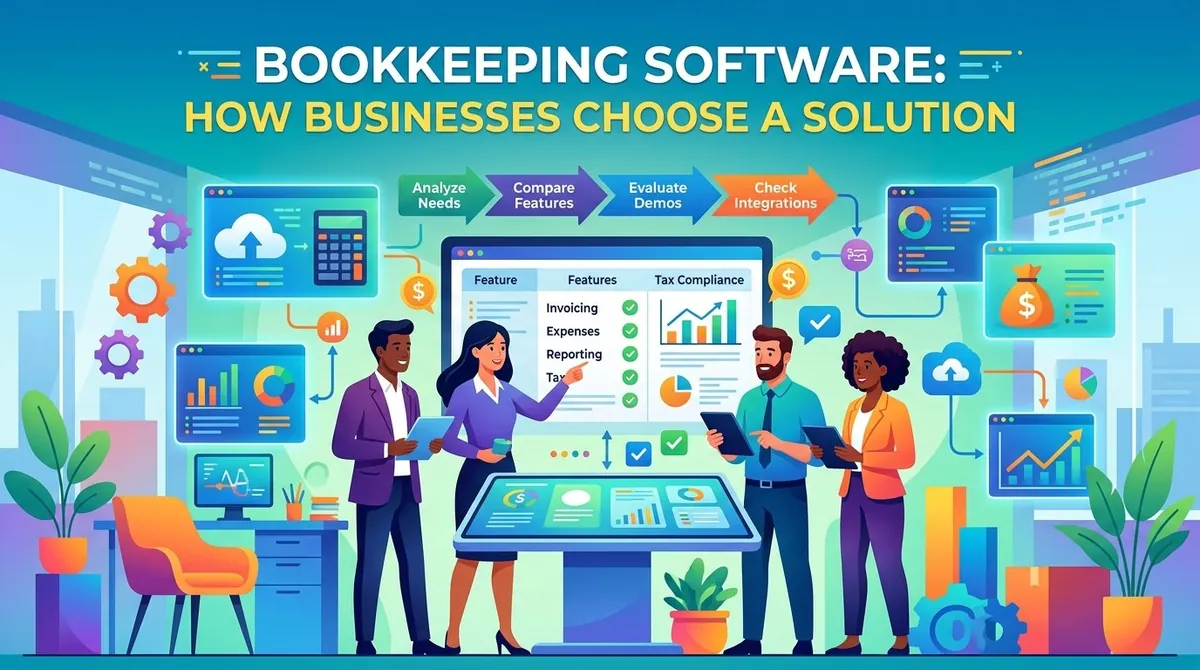
Keeping accurate financial records is an important part of running a business. Companies need to track income, expenses, invoices, bills, payments, and other transactions while maintaining records that can support financial reporting and tax preparation.
Bookkeeping software helps businesses organize these financial activities digitally. Modern solutions can automate transaction recording, connect to bank accounts, reconcile transactions, create invoices, track expenses, and produce financial reports.
The right solution depends on the size and structure of the business, the volume of transactions, accounting requirements, existing technology, and the level of automation needed. Understanding the core features and selection criteria can help businesses choose software that fits their financial workflows.
What Is Bookkeeping Software?
Bookkeeping software is a digital tool used to record and organize a business's financial transactions. It can replace or reduce manual bookkeeping processes involving spreadsheets, paper receipts, and separate records.
Depending on the platform, bookkeeping software may support income and expense tracking, invoicing, bill management, bank reconciliation, financial reporting, tax-related records, and other accounting activities.
For example, QuickBooks provides features for tracking income and expenses, connecting bank accounts, organizing receipts, invoicing, reporting, and managing other financial information.
Bookkeeping software does not necessarily eliminate the need for an accountant or bookkeeper. Instead, it can provide a centralized system that makes financial information easier to record, review, and share with accounting professionals.
Key Features of Bookkeeping Software
Income and Expense Tracking
A basic bookkeeping system should allow businesses to record money coming into and going out of the business. Expenses can generally be categorized according to the company's chart of accounts.
Automated categorization can reduce manual data entry, although transactions should still be reviewed for accuracy.
Bank Feeds and Reconciliation
Bank feeds allow software to import transactions from connected financial accounts. Businesses can then compare those transactions with their accounting records and reconcile differences.
Xero, for example, provides bank feeds and reconciliation tools that import transactions and allow users to match them against accounting records.
Bank reconciliation is an important part of maintaining accurate books because it can help identify missing, duplicated, or incorrectly recorded transactions.
Invoicing and Payments
Many bookkeeping platforms include invoicing tools. Businesses can create invoices, send them to customers, track payment status, and in some cases accept online payments.
Integrating invoicing with bookkeeping can reduce the need to enter sales transactions separately.
Receipt Capture
Digital receipt capture allows businesses to photograph or upload receipts and associate them with transactions.
This can make it easier to maintain supporting documentation for expenses. QuickBooks and FreshBooks both provide receipt-related tools as part of their accounting functionality.
Bills and Accounts Payable
Some bookkeeping systems allow businesses to record bills and monitor amounts owed to suppliers. More advanced platforms may support bill approval, payment scheduling, and automated bill entry.
This can give businesses greater visibility into upcoming financial obligations.
Financial Reporting
Bookkeeping software can generate reports that summarize financial activity. Common reports include:
- Profit and loss statements
- Balance sheets
- Cash flow reports
- Accounts receivable reports
- Accounts payable reports
- Expense reports
- Tax-related reports
FreshBooks, for example, provides financial reports including profit and loss, balance sheet, and trial balance reports.
Tax and Sales Tax Support
Some platforms provide tools for organizing transactions and tracking sales taxes or other tax-related information.
The exact tax functionality varies by country and software provider. Businesses should verify that a platform supports the tax requirements relevant to their jurisdiction rather than assuming that all tax calculations or filings are handled automatically.
Mobile Access
Cloud-based bookkeeping systems can allow business owners and employees to access financial information from computers, tablets, and smartphones.
Mobile functionality can be useful for recording expenses, checking invoices, capturing receipts, or reviewing financial information while away from the office.
Benefits of Bookkeeping Software
Reduces Manual Work
Automation can reduce repetitive tasks such as entering transactions, matching payments, categorizing expenses, and creating recurring invoices.
Improves Financial Organization
Keeping financial records in one system can make it easier to locate transactions, receipts, invoices, and reports.
Provides More Current Information
When bank feeds and other automated connections are available, financial information can be updated more frequently than with manual bookkeeping processes.
Supports Financial Reporting
Businesses can use accounting reports to monitor revenue, expenses, profitability, cash flow, and other financial measures.
Makes Collaboration Easier
Many cloud-based systems allow business owners to provide accountants or bookkeepers with access to financial information. FreshBooks, for example, supports accountant access to business financial data.
Bookkeeping Software vs. Accounting Software
The terms bookkeeping software and accounting software are often used interchangeably, although there can be differences in scope.
Bookkeeping generally focuses on recording and organizing financial transactions. Accounting encompasses a broader range of activities, including financial analysis, reporting, adjustments, tax preparation, and interpretation of financial information.
Many modern software platforms combine bookkeeping and accounting capabilities. As a result, a business may use one platform for transaction recording, reconciliation, invoicing, reporting, and collaboration with an accountant.
How Businesses Choose a Bookkeeping Solution
Start With Financial Workflows
Before comparing software, businesses should identify the financial tasks they need to manage. These may include invoicing, expense tracking, bank reconciliation, bills, payroll, inventory, project costs, or financial reporting.
QuickBooks recommends starting with the business's workflows and prioritizing features that address its most important financial processes rather than selecting software based solely on the number of available features.
Consider Business Size
A freelancer with a small number of transactions may need only basic bookkeeping and invoicing features. A growing company may require multiple users, more detailed reporting, inventory management, payroll integration, or additional controls.
Review Integrations
Businesses should examine whether the software connects with existing applications. Common integrations include payroll systems, payment processors, e-commerce platforms, customer relationship management systems, time-tracking applications, and banking services.
Xero, for example, provides integrations with third-party applications including payment, e-commerce, and payroll-related services.
Evaluate Automation
Automation can reduce administrative work, but businesses should focus on useful automation rather than simply choosing the platform with the largest feature list.
Consider whether the software can automate bank feeds, transaction matching, recurring invoices, expense categorization, bill entry, reminders, and other repetitive activities.
Check Security and User Controls
Financial software contains sensitive business information. Businesses should review available authentication methods, user permissions, data protection, backups, and audit capabilities.
For companies with multiple employees or external accountants, role-based access can help control who can view or modify financial information.
Compare Total Cost
Software costs can include more than the monthly subscription. Businesses should consider implementation, additional users, integrations, payment-processing fees, payroll services, support, data migration, and optional features.
A lower subscription price may not necessarily result in a lower overall cost if important capabilities require additional services.
Plan for Growth
The bookkeeping system should accommodate expected changes in transaction volume, employees, customers, locations, currencies, and reporting requirements.
Choosing software that can scale may reduce the need to migrate financial records to another platform as the business grows.
Examples of Bookkeeping Software
Several established platforms provide bookkeeping and broader accounting functionality.
QuickBooks provides income and expense tracking, bank feeds, invoicing, receipt capture, reporting, tax-related tools, and other accounting features.
Xero offers bank feeds, reconciliation, invoicing, expense tracking, reporting, bill management, and integrations with other business applications.
FreshBooks combines bookkeeping and accounting tools with invoicing, payments, expense tracking, reporting, time tracking, and accountant collaboration.
The appropriate platform depends on the business's financial processes, size, budget, and existing software environment.
Final Thoughts
Bookkeeping software can help businesses organize financial transactions, reduce repetitive administrative work, reconcile accounts, manage invoices and expenses, and produce financial reports.
Choosing a solution should begin with the company's actual bookkeeping workflows. Businesses should then compare features such as bank feeds, reconciliation, invoicing, expense management, reporting, integrations, security, automation, and mobile access.
The goal is not necessarily to choose the platform with the most features. A suitable bookkeeping solution is one that supports the company's current financial processes, remains practical for employees and accounting professionals, and can accommodate the business as its needs change.