


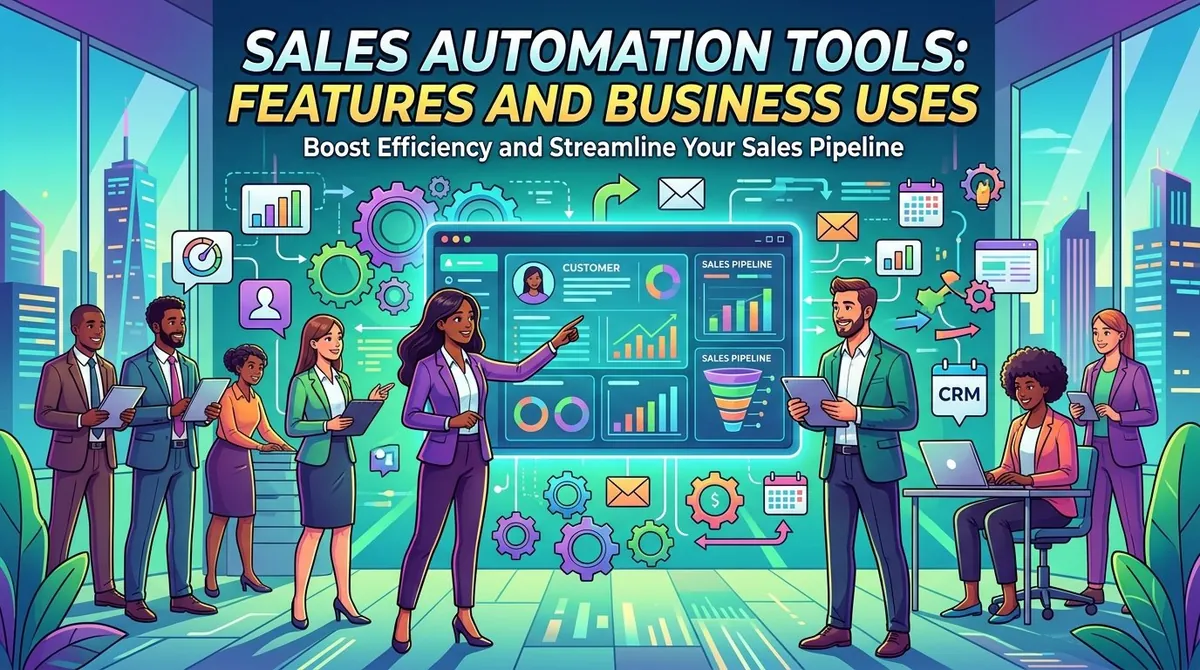
Sales teams manage many repetitive activities throughout the customer journey. Lead entry, follow-up reminders, email communication, appointment scheduling, pipeline updates, reporting, and other administrative tasks can consume significant amounts of time when handled manually.
Sales automation tools help businesses automate or streamline these activities using software. They can capture leads, organize customer information, trigger follow-up actions, schedule tasks, manage sales pipelines, and provide reports on sales activity.
Sales automation does not eliminate the role of sales professionals. Instead, it can reduce repetitive work and provide structured processes that allow teams to spend more time on customer interactions and opportunities that require human judgment.
What Are Sales Automation Tools?
Sales automation tools are software applications that automate repetitive activities involved in selling products or services. They may operate as standalone applications or as features within customer relationship management (CRM) platforms.
Depending on the system, sales automation can cover activities from lead generation and qualification to follow-up, opportunity management, forecasting, and reporting.
CRM platforms such as Salesforce and HubSpot incorporate automation capabilities into broader sales environments, while specialized tools may focus on individual parts of the sales process.
Key Features of Sales Automation Tools
**Lead Capture**
Sales automation tools can collect leads from websites, forms, advertisements, landing pages, events, and other sources.
Instead of manually transferring contact information into a spreadsheet or CRM, automated processes can create records and route leads to the appropriate salesperson or team.
**Lead Qualification**
Not every lead has the same level of interest or potential value. Some automation systems use predefined criteria or scoring models to categorize leads.
Lead scoring can consider factors such as company characteristics, website activity, form submissions, email engagement, or other signals. Sales teams can then prioritize leads according to their established qualification process.
**Automated Follow-Ups**
Following up consistently is an important part of many sales processes. Automation tools can schedule emails, tasks, reminders, and other follow-up activities.
For example, a system might create a reminder for a salesperson after a prospect downloads a resource or automatically send a predefined email after a specified period.
Automation should still be monitored to ensure that messages remain relevant and appropriate for the customer.
**Email Automation**
Sales platforms can help teams create and schedule email sequences. These sequences may include introductory messages, follow-ups, reminders, or responses to particular customer actions.
Some tools provide templates and personalization features that allow businesses to insert customer or company information into messages.
**Sales Pipeline Management**
Pipeline tools organize opportunities according to stages in the sales process. Common stages may include lead, qualified opportunity, proposal, negotiation, and closed deal.
Automated workflows can update records, create tasks, or notify team members when opportunities move between stages.
**Appointment Scheduling**
Scheduling tools allow prospects to select available meeting times without requiring multiple back-and-forth emails.
Calendar integrations can automatically update availability, create meetings, and send reminders to participants.
**Reporting and Analytics**
Sales automation platforms can collect information about activities such as calls, emails, meetings, leads, opportunities, and conversions.
Dashboards can help managers examine pipeline activity, conversion rates, sales cycles, and other performance indicators.
**Workflow Automation**
Workflow automation allows businesses to define rules that trigger specific actions.
For example, when a new lead enters a CRM, the system could assign the lead to a salesperson, create a follow-up task, send an internal notification, and add the contact to an appropriate workflow.
The exact capabilities vary considerably between platforms.
Business Uses of Sales Automation
Sales automation can be applied throughout the sales process.
**Managing Incoming Leads**
Businesses receiving leads from multiple sources can use automation to capture and organize them in a central system.
Automated routing can distribute leads based on territory, product interest, customer type, or other predefined criteria.
**Nurturing Prospects**
Some prospects are not ready to purchase immediately. Automated email sequences and scheduled follow-ups can help businesses maintain communication over time.
Marketing and sales teams can also coordinate automated communications based on customer behavior.
**Managing Sales Opportunities**
Automation can help sales representatives keep opportunity records updated and ensure that important tasks are not overlooked.
Managers can use pipeline reports to monitor opportunities and identify areas requiring attention.
**Supporting Customer Retention**
Sales automation can continue after the initial purchase. Businesses can use automated reminders for renewals, account reviews, cross-selling opportunities, or customer follow-ups.
These workflows can help teams maintain structured communication with existing customers.
Benefits of Sales Automation
**Reduced Administrative Work**
Automating repetitive tasks can reduce the amount of manual data entry and routine coordination required from sales representatives.
**More Consistent Processes**
Automation can standardize certain activities across a sales team. For example, every new lead can follow the same initial qualification and assignment process.
**Faster Lead Response**
Automated lead capture and routing can reduce delays between a prospect submitting information and a salesperson receiving the lead.
**Better Visibility**
Centralized activity and pipeline information can give managers greater visibility into sales operations and performance.
**Improved Scalability**
Automation can allow businesses to handle larger numbers of leads and customer interactions without increasing administrative work at the same rate.
These benefits depend on proper implementation. Poorly designed workflows or inaccurate customer data can create additional problems rather than improve efficiency.
Sales Automation and CRM Software
Sales automation and CRM software are closely connected but are not identical.
A CRM system primarily provides a centralized environment for managing customer and prospect information. Sales automation refers to automated processes that operate on that information.
Many modern CRM platforms combine both functions. Salesforce, HubSpot, Microsoft Dynamics 365, and other CRM providers offer automation features alongside contact management, pipeline management, reporting, and customer engagement tools.
Businesses should determine whether they need a complete CRM system or a specialized automation tool that integrates with an existing CRM.
AI and Sales Automation
Artificial intelligence is increasingly being incorporated into sales software. Depending on the platform, AI features may help summarize customer conversations, draft emails, identify potential leads, forecast sales, or recommend follow-up actions.
AI-generated recommendations should be reviewed before being used in customer communications. Businesses should also consider how customer information is processed and what privacy and security controls apply.
How to Choose Sales Automation Tools
Businesses should evaluate tools according to their sales process and existing technology.
Important considerations include:
- Automation needs: Which repetitive activities should be automated?
- CRM integration: Does the tool connect with the existing CRM?
- Lead management: Can it capture, qualify, assign, and track leads?
- Communication: Does it support email, scheduling, and other relevant channels?
- Customization: Can workflows be adapted to the company's sales process?
- Analytics: Does it provide the reports and metrics managers need?
- Ease of use: Can sales representatives adopt the system without extensive training?
- Scalability: Can the tool support additional users, leads, and workflows?
- Security: How does the platform protect customer information?
- Cost: What are subscription, implementation, integration, and usage costs?
A practical trial using real sales workflows can reveal usability issues that may not be obvious during a product demonstration.
Examples of Sales Automation Platforms
Several established providers offer sales automation features.
Salesforce provides sales automation through Sales Cloud, including lead management, opportunity management, workflow automation, forecasting, and AI-supported capabilities. (Salesforce)
HubSpot offers sales automation features within its CRM, including automated workflows, lead management, follow-up tools, and sales reporting. (HubSpot)
Microsoft Dynamics 365 Sales provides tools for managing leads, opportunities, sales activities, forecasting, and automated sales processes. (Microsoft)
Zoho CRM includes workflow automation, lead management, sales pipeline tools, and other CRM capabilities for businesses of different sizes. (Zoho)
These platforms differ in functionality, pricing, integrations, and target customers. Businesses should compare them according to their own sales processes rather than simply selecting the platform with the largest feature list.
Final Thoughts
Sales automation tools can help businesses manage repetitive sales activities, organize leads, maintain pipelines, automate follow-ups, and monitor sales performance.
The most effective automation strategy usually begins with identifying repetitive processes and determining where automation can reduce administrative work without reducing the quality of customer interactions.
Before selecting a platform, businesses should evaluate integration, customization, analytics, security, scalability, usability, and total cost. They should also review automated workflows regularly to ensure that customer information remains accurate and communications remain relevant.
Used appropriately, sales automation can provide a more structured sales process while allowing sales professionals to focus more of their time on conversations, relationships, and opportunities that require human judgment.