


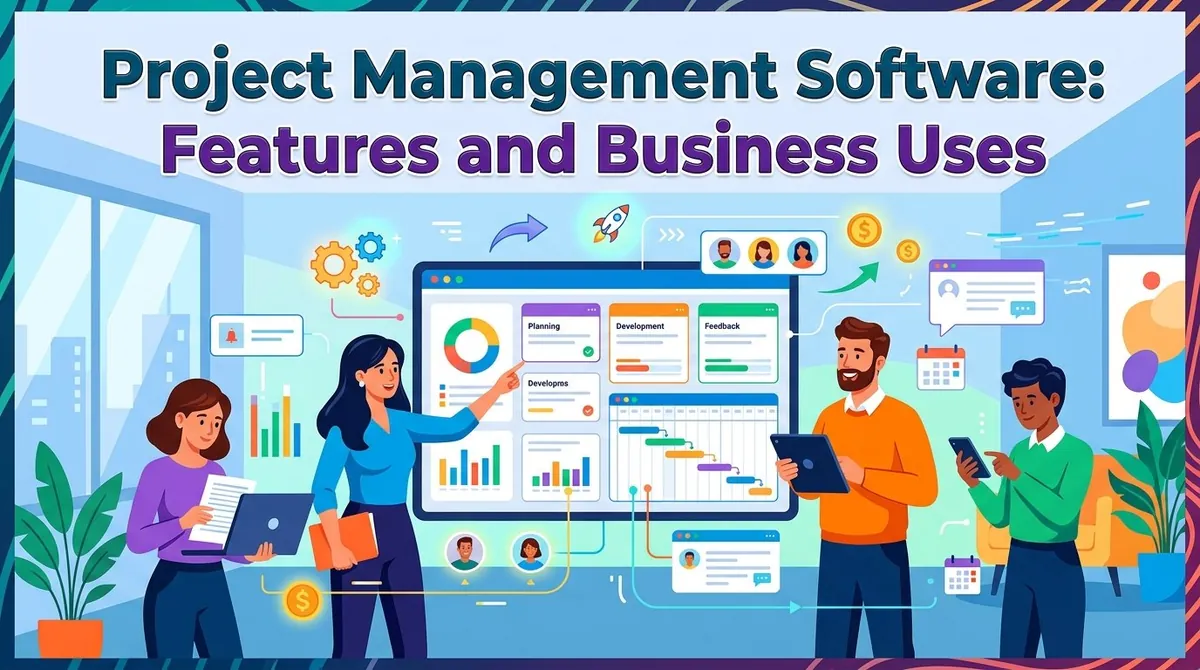
Businesses often manage multiple projects at the same time, with different deadlines, budgets, employees, and deliverables. Without a centralized system, project information can become scattered across spreadsheets, email threads, chat applications, and separate documents.
Project management software provides tools for planning projects, assigning tasks, coordinating teams, tracking progress, managing resources, and reporting results. Depending on the platform, it can support everything from simple task lists to complex schedules involving multiple teams and dependencies.
The right software can make project information easier to organize and monitor, but businesses should evaluate functionality, integrations, scalability, usability, and cost before selecting a platform.
What Is Project Management Software?
Project management software is a digital system that helps organizations plan, organize, execute, and monitor projects. A project typically involves a defined objective, deliverables, resources, schedule, and budget.
Modern project management platforms can provide centralized workspaces where teams manage tasks, deadlines, documents, communications, and project information. More advanced systems can also support resource planning, budgeting, time tracking, risk management, portfolio management, and project analytics.
Microsoft describes project management tools as supporting activities such as creating schedules, assigning tasks to resources, tracking time, and monitoring projects and portfolios.
Key Features of Project Management Software
Task and Project Planning
Task management is a fundamental feature of project management software. Teams can create tasks, assign responsibilities, establish deadlines, and track completion.
Projects can often be divided into smaller tasks and subtasks. This makes larger initiatives easier to organize and gives team members a clearer understanding of their responsibilities.
Scheduling and Timelines
Project scheduling tools help managers establish when activities should begin and end. Many platforms provide timeline or Gantt chart views that display tasks, milestones, durations, and relationships between activities.
Dependencies are particularly useful for projects where one task cannot begin until another has been completed. More sophisticated systems can account for these relationships when managing complex schedules.
Resource Management
Projects depend on people, equipment, budgets, and other resources. Resource management features help organizations determine who is working on each project and how available resources are being allocated.
Businesses managing several projects may also use resource-planning capabilities to identify competing demands and potential capacity problems.
Collaboration
Project management platforms often provide shared workspaces where employees can communicate and coordinate activities.
Depending on the platform, collaboration features can include comments, notifications, file sharing, mentions, discussion areas, and integrations with communication applications.
Centralizing project information can reduce the need to search through multiple communication channels for the latest task or project update.
Time Tracking
Time-tracking features allow employees to record the time spent working on specific projects or tasks.
This can be particularly useful for consulting firms, agencies, professional services companies, and other organizations that bill clients based on time. Time records can also help managers understand how resources are being used.
Microsoft's project-management tools, for example, include capabilities for tracking time and task information for business purposes such as payroll, invoicing, and project monitoring.
Budget and Cost Management
Some project management systems allow businesses to establish project budgets and compare planned costs with actual spending.
For organizations managing client projects, financial capabilities may also support estimates, expenses, billing, revenue, and project profitability. Microsoft Dynamics 365, for example, provides project-management functionality that connects project planning with budgets, costs, invoices, and financial information.
Reporting and Analytics
Reporting tools provide visibility into project progress and performance. Common reports may cover task completion, deadlines, resource utilization, costs, and project status.
Dashboards can help managers identify projects that require attention without manually reviewing every task or spreadsheet.
Business Uses of Project Management Software
Project management software is used across many industries because projects can take many different forms.
Marketing teams can use it to plan campaigns, assign creative tasks, coordinate content production, and manage launch dates.
Software development teams can organize product requirements, development tasks, testing, releases, and support work. Platforms such as Jira are designed to help teams plan and track work across the software development lifecycle.
Professional services firms can use project management software to allocate employees, track billable hours, monitor budgets, and manage client deliverables.
Construction and engineering organizations can use project-management systems to coordinate schedules, resources, materials, and project costs.
Internal business teams can use the software for initiatives such as office relocations, system implementations, hiring projects, process improvements, and product launches.
Benefits of Project Management Software
One potential benefit is greater visibility. Managers can see project status, upcoming deadlines, assigned tasks, and resource requirements from a centralized system.
Other potential benefits include:
- Better organization: Project information can be maintained in one workspace.
- Improved accountability: Tasks can be assigned to specific team members.
- More consistent scheduling: Deadlines and dependencies can be tracked systematically.
- Resource visibility: Managers can monitor how employees and other resources are allocated.
- Faster reporting: Dashboards and reports can reduce manual status reporting.
- Improved collaboration: Teams can share updates and files within the project environment.
- Cost control: Budget and expense tracking can help managers compare planned and actual spending.
The actual benefits depend on adoption, data quality, configuration, and whether the software matches the organization's project-management processes.
Project Management Software for Different Project Types
Not every project requires the same level of functionality.
For simple team projects, a task board with assignments, deadlines, and status columns may be sufficient. Atlassian's business project-management template, for example, uses a straightforward workflow of To Do, In Progress, and Done.
More complex projects may require scheduling, dependencies, resource management, budgeting, and advanced reporting. Microsoft notes that simpler team projects can be managed with Planner, while more complex projects may require capabilities such as dependency and cost tracking.
Organizations managing many simultaneous projects may also need portfolio management capabilities that provide an overview across multiple projects.
Key Considerations When Choosing Project Management Software
Project Complexity
Start by determining how complicated the organization's projects are. A small team managing straightforward assignments may not need advanced scheduling or portfolio functionality.
Team Size and Collaboration
Consider the number of users, departments, external collaborators, and locations that will use the system. User permissions and communication features become increasingly important as teams grow.
Integrations
Project management software may need to connect with existing tools for communication, accounting, CRM, file storage, calendars, development, or reporting.
Integrations can reduce duplicate data entry and help teams maintain consistent information across systems.
Reporting Requirements
Evaluate the reports managers actually need. Some organizations may only need basic task and status reporting, while others may require detailed resource, cost, utilization, and portfolio analysis.
Scalability
The platform should support the organization's expected growth. Businesses should consider whether they may add users, projects, departments, locations, or more advanced project-management processes over time.
Cost and Implementation
Pricing can depend on the number of users, functionality, storage, integrations, and service level. Businesses should also consider implementation, migration, training, administration, and ongoing support when estimating the total cost.
Project Management Software Examples
The market includes platforms designed for different project-management approaches and business requirements. Examples include Microsoft Planner and Project, Jira, Asana, Monday.com, and Smartsheet.
Some products emphasize task management and collaboration, while others focus more heavily on structured scheduling, resource management, portfolio management, or project financials.
Businesses should compare platforms based on their actual workflows rather than selecting software solely because it is widely recognized.
Final Thoughts
Project management software helps businesses organize tasks, schedules, resources, collaboration, budgets, and project information in a centralized environment. Its functionality can range from simple task boards to advanced systems designed to manage complex projects and portfolios.
The right platform depends on project complexity, team size, reporting requirements, integrations, budget, and expected growth. Businesses should identify their most important project-management processes first and then evaluate software based on how effectively it supports those requirements.
References
- Microsoft — Project Management Software
- Microsoft Support — When to Use Project, Planner, To Do, or Tasks
- Microsoft Learn — Project Management and Accounting Overview
- Microsoft Learn — Project to Profit Business Processes
- Atlassian — Project Management Resources
- Atlassian Support — Business Project Management