


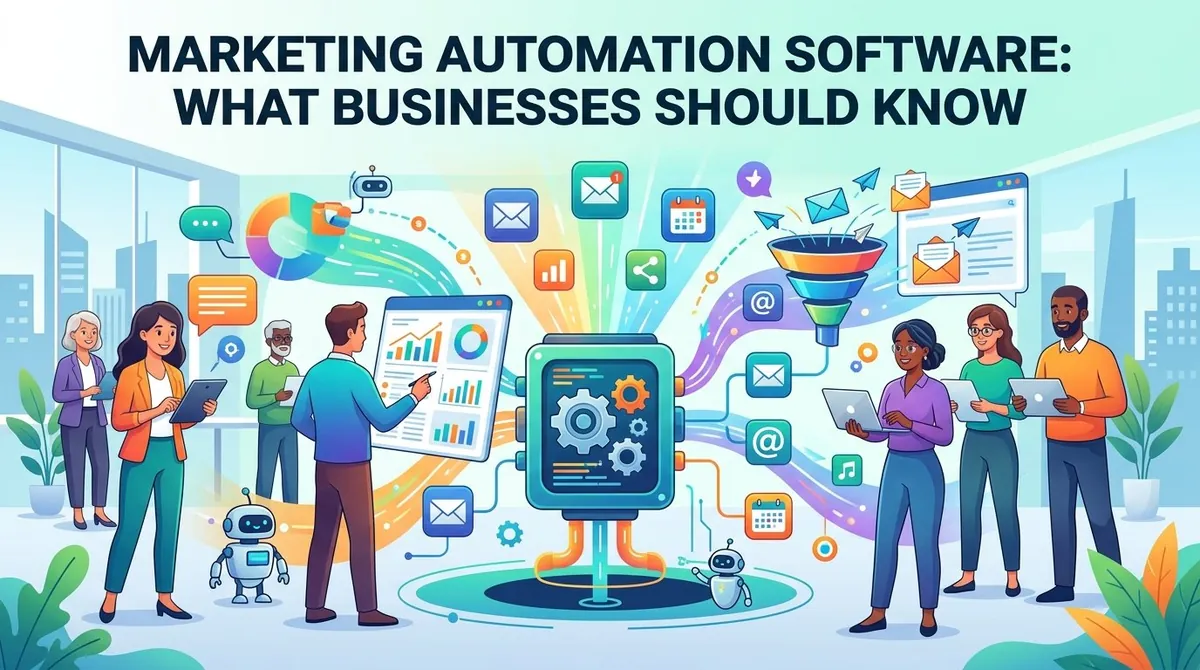
Businesses increasingly manage marketing across multiple channels, including email, websites, social media, paid campaigns, and other digital touchpoints. As customer journeys become more complex, manually coordinating every interaction can require substantial time and resources.
Marketing automation software helps businesses automate repetitive marketing activities, organize customer data, manage campaigns, and deliver targeted communications based on customer actions or predefined conditions. These platforms can support lead generation, nurturing, segmentation, personalization, and campaign measurement.
However, marketing automation is more than simply scheduling emails. Businesses should consider their marketing processes, customer data, CRM integration, reporting requirements, scalability, and total cost when evaluating software.
What Is Marketing Automation Software?
Marketing automation software is designed to automate repetitive marketing tasks and workflows. Businesses can create rules that trigger specific actions based on factors such as a customer's behavior, characteristics, or interaction with a campaign.
For example, when someone completes a form on a company's website, an automation platform could add that person to a specific audience, send a welcome email, assign a lead score, and notify a sales representative.
Marketing automation can operate across multiple channels, including email, websites, mobile messaging, social media, and other digital interactions. Salesforce describes marketing automation as technology that manages marketing processes and campaigns across multiple channels using automated workflows. (salesforce.com)
Key Features of Marketing Automation Software
Email Marketing Automation
Email automation is one of the most common capabilities. Businesses can create automated sequences for activities such as welcome messages, product education, abandoned-cart reminders, event follow-ups, and customer re-engagement.
Instead of manually sending every message, marketers establish the workflow and define when specific communications should be delivered.
Lead Capture and Management
Marketing automation platforms can collect leads through forms, landing pages, website interactions, and other sources.
Captured contacts can then be organized according to information such as industry, location, company size, interests, or previous interactions. This allows marketers to create more targeted campaigns.
Lead Nurturing
Not every prospect is ready to make a purchase immediately. Lead nurturing allows businesses to maintain communication with prospects over time.
An automated workflow might provide educational content, product information, case studies, or other resources based on a prospect's interests and activity.
Salesforce identifies lead generation, nurturing, and scoring as common uses of marketing automation. (salesforce.com)
Audience Segmentation
Segmentation allows marketers to divide contacts into groups according to characteristics or behavior.
For example, a company could create separate campaigns for new subscribers, existing customers, inactive customers, high-value accounts, or prospects who have visited specific product pages.
Behavioral Tracking
Marketing automation software can track certain customer interactions, such as email engagement, website visits, form submissions, downloads, and other activities.
These signals can be used to trigger subsequent actions. For example, a prospect who downloads a product guide could automatically enter a related nurturing sequence.
Workflow Automation
Workflow builders allow marketers to define a sequence of triggers, conditions, and actions.
A workflow might begin when someone subscribes to a newsletter, wait several days, send educational content, check whether the recipient engaged, and then send different follow-up messages depending on the result.
Analytics and Reporting
Marketing automation platforms can provide reports covering campaign activity, engagement, conversions, lead progression, and other metrics.
More advanced systems can connect marketing activity with CRM and revenue data, allowing businesses to examine how campaigns contribute to broader business outcomes. (hubspot.com)
Business Uses of Marketing Automation
Marketing automation can support businesses at different stages of the customer lifecycle.
Lead generation teams can automate follow-up after website forms, downloads, registrations, or other conversion activities.
Marketing teams can use automated campaigns to educate prospects, promote products, and maintain customer engagement.
Sales teams can receive qualified leads or notifications when prospects demonstrate specific behaviors.
E-commerce businesses can automate communications related to purchases, abandoned carts, product recommendations, and customer re-engagement.
B2B companies can use lead scoring and nurturing workflows to manage longer purchasing cycles and coordinate marketing and sales activities.
The exact applications depend on the company's business model, customer journey, and marketing channels.
Benefits of Marketing Automation Software
One of the main benefits is reduced manual work. Once a workflow has been configured, the system can execute repetitive actions without requiring employees to perform each step manually.
Other potential benefits include:
- Consistent communication: Customers can receive predefined messages according to established workflows.
- Scalable campaigns: Automated processes can handle larger audiences without requiring proportional increases in manual work.
- Personalization: Messages can be adapted according to customer information and behavior.
- Faster lead follow-up: New leads can receive communications immediately after completing specific actions.
- Better visibility: Analytics can provide information about campaign engagement and conversions.
- Marketing and sales alignment: Shared customer information can help marketing teams identify and route qualified prospects.
The actual results depend on campaign quality, data accuracy, customer segmentation, and how effectively the automation is implemented.
Marketing Automation and CRM Software
Marketing automation and customer relationship management (CRM) software are related but serve different primary functions.
A CRM generally focuses on managing customer and prospect information, interactions, sales activity, and relationships. Marketing automation focuses on executing and measuring marketing campaigns and workflows.
The two systems can work together. Marketing automation can use information stored in a CRM to segment audiences and trigger campaigns, while engagement data can be passed back to sales teams.
Salesforce describes CRM as a system focused on customer data and relationships, while marketing automation uses that information to execute automated marketing activities. (salesforce.com)
Key Considerations When Choosing Marketing Automation Software
Business Requirements
Start by identifying which marketing processes need automation. A small company focused on email newsletters may require fewer capabilities than a B2B organization managing complex lead-nurturing programs.
Ease of Use
Marketing automation platforms can become complicated when workflows contain many conditions and branches. A visual workflow builder and straightforward campaign-management interface can make implementation easier for marketing teams.
CRM and Other Integrations
Consider whether the platform integrates with the organization's existing CRM, website, e-commerce system, advertising platforms, analytics tools, and customer databases.
Good integration can reduce duplicate data and make customer information more useful across departments.
Reporting
Determine which metrics the business needs to track. Basic requirements may include email opens, clicks, and conversions, while more advanced teams may need attribution, customer journeys, pipeline influence, and revenue reporting.
Scalability
The platform should accommodate changes in contact volume, campaigns, users, channels, and automation complexity. Salesforce recommends considering scalability, integrations, ease of use, pricing, support, and future requirements when evaluating marketing automation software. (salesforce.com)
Data and Compliance
Marketing automation systems can process substantial amounts of customer information. Businesses should review data-management practices, user permissions, security controls, consent requirements, and applicable privacy regulations.
Examples of Marketing Automation Platforms
The market includes platforms with different combinations of marketing, CRM, sales, analytics, and customer-engagement functionality. Examples include Salesforce Marketing Cloud, HubSpot, Adobe Marketo Engage, and Oracle Eloqua.
Businesses should compare platforms according to their required channels, automation complexity, integrations, contact volume, reporting needs, and budget rather than selecting software solely based on brand recognition.
Final Thoughts
Marketing automation software helps businesses automate repetitive marketing activities, organize customer journeys, nurture leads, personalize communications, and measure campaign performance. Its value comes from connecting customer data with well-designed workflows rather than simply sending messages automatically.
Before selecting a platform, businesses should identify the processes they want to automate, evaluate integrations and reporting capabilities, consider data and compliance requirements, and calculate the total cost. A system that fits the organization's marketing processes and can scale with its needs can provide a more practical foundation for long-term campaign management.