


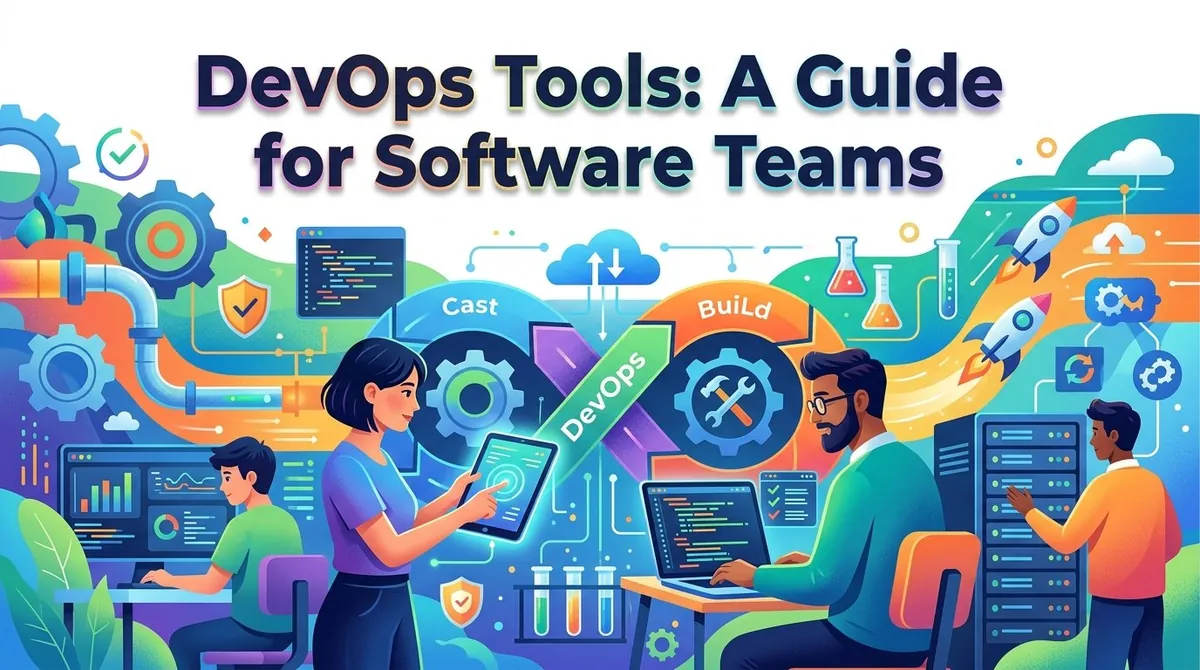
Software teams increasingly rely on automation and collaboration to develop, test, release, and operate applications. DevOps brings development and operations activities closer together, using shared processes and tools to support the software lifecycle from planning through production.
DevOps tools are software applications and platforms that help teams automate development, testing, deployment, infrastructure management, monitoring, and collaboration. Rather than relying on one tool for every task, organizations typically combine several technologies into a DevOps toolchain.
A suitable toolchain depends on the team's development practices, technology stack, infrastructure, security requirements, and organizational structure. Teams should consider integration, automation, scalability, usability, security, and total cost when selecting DevOps tools.
What Are DevOps Tools?
DevOps tools support practices that connect software development and IT operations. Microsoft describes DevOps as combining people, processes, and technology across application planning, development, delivery, and operations.
A DevOps environment may include tools for source control, project planning, continuous integration and delivery, infrastructure as code, testing, container management, monitoring, security, and collaboration.
These tools can work independently or as parts of an integrated toolchain. The objective is generally to make software delivery more automated, repeatable, observable, and collaborative.
Common Types of DevOps Tools
Source Control Tools
Source control systems track changes to code and allow developers to collaborate on shared projects. Git is widely used for distributed version control and supports branches, commits, merging, and change history.
Source control is also important for storing configuration files, infrastructure definitions, automated tests, and deployment scripts.
Continuous Integration Tools
"Continuous integration (CI) automates processes such as building and testing software when developers commit changes to a shared repository."
Automated CI pipelines can help teams identify defects earlier and reduce the risk of large, difficult-to-integrate changes.
Examples include GitHub Actions, GitLab CI/CD, Jenkins, and Azure Pipelines.
Continuous Delivery and Deployment Tools
Continuous delivery and deployment tools automate the process of moving tested software through development, staging, and production environments.
Continuous delivery can automate build, test, configuration, and deployment activities across multiple environments.
Tools in this category may include Azure Pipelines, GitHub Actions, GitLab CI/CD, Jenkins, and cloud-native deployment services.
Infrastructure as Code Tools
"Infrastructure as code (IaC) allows teams to define infrastructure through code or configuration files rather than manually configuring individual resources."
IaC can be used for resources such as virtual machines, networks, databases, and load balancers. Versioning infrastructure definitions makes configurations easier to review, reproduce, and automate.
Common technologies include Terraform, Azure Bicep, AWS CloudFormation, and Pulumi.
Container and Orchestration Tools
Containers package applications and their dependencies into portable units that can run consistently across supported environments.
Container orchestration platforms help teams deploy, scale, and manage containerized workloads. Kubernetes is widely used for container orchestration, while container tools such as Docker are commonly used during development and deployment.
Configuration Management Tools
Configuration management tools help teams maintain consistent configurations across servers and other infrastructure resources.
Tools such as Ansible and Chef can automate provisioning, configuration changes, application deployment, and other operational activities.
Monitoring and Observability Tools
Monitoring and observability tools provide information about application performance, infrastructure health, logs, metrics, traces, and other operational signals.
Continuous monitoring can help teams identify problems, investigate incidents, and understand how applications behave in production. Microsoft identifies monitoring and telemetry as important elements of DevOps operations.
Security and DevSecOps Tools
Security tools can be integrated into development and deployment workflows. These may include code scanning, dependency analysis, secret detection, vulnerability management, and security testing.
Integrating security earlier in the development lifecycle can help teams identify potential problems before software reaches production.
Key Features of DevOps Tools
Although capabilities vary between products, teams commonly evaluate:
- Automation: Automates builds, tests, deployments, infrastructure changes, and other repetitive tasks.
- Integration: Connects with source repositories, cloud platforms, ticketing systems, monitoring tools, and other technologies.
- Version control: Tracks changes to source code and configuration.
- Pipeline management: Defines automated sequences for building, testing, and deploying applications.
- Testing: Supports automated functional, integration, security, or performance testing.
- Monitoring: Collects metrics, logs, traces, and alerts.
- Collaboration: Allows developers, operations teams, testers, and security professionals to work from shared information.
- Reporting: Provides visibility into deployments, failures, development activity, and operational performance.
Microsoft's DevOps toolchain guidance emphasizes integrating tools across planning, CI/CD, operations, collaboration, and feedback rather than evaluating each tool completely in isolation.
How Software Teams Use DevOps Tools
Planning and Development
Teams can use project-management and collaboration tools to define requirements, manage backlogs, assign tasks, and track progress.
Source control then provides a central place for developers to manage code and collaborate through branches and pull requests.
Building and Testing
When developers submit changes, CI tools can automatically build the application and run tests. This creates an automated feedback loop that can identify problems earlier in the development process.
Deployment
After successful testing, deployment pipelines can move software through staging and production environments. Automated gates and approvals can be used where organizations require additional review before release.
Infrastructure Management
IaC tools can create and modify infrastructure using version-controlled definitions. This allows teams to reproduce environments and reduce manual configuration.
Operations and Monitoring
After deployment, monitoring tools provide visibility into application and infrastructure performance. Teams can use alerts and telemetry to investigate incidents and identify areas for improvement.
Benefits of DevOps Tools
DevOps tools can provide several potential benefits:
- Faster software delivery: Automation can reduce manual steps between development and deployment.
- Improved consistency: Automated processes can make builds and deployments more repeatable.
- Earlier defect detection: Automated testing can identify problems earlier in the development lifecycle.
- Better collaboration: Shared repositories, pipelines, and dashboards can connect different teams.
- Greater visibility: Monitoring and reporting provide information about application and infrastructure performance.
- Scalable operations: Automation can support larger numbers of applications, environments, and deployments.
The actual results depend on how tools are selected, integrated, configured, and incorporated into the team's development practices.
Key Considerations When Choosing DevOps Tools
Existing Technology Stack
Consider the programming languages, source repositories, cloud providers, operating systems, databases, containers, and deployment environments already used by the organization.
Integration
Tools should work effectively with the other components of the DevOps toolchain. Strong integration can reduce duplicate work and simplify automation.
Automation Capabilities
Evaluate which manual processes can be automated, including builds, testing, deployments, infrastructure provisioning, and configuration management.
Security
Review authentication, access controls, secrets management, audit logs, vulnerability scanning, and other security capabilities. Security should be incorporated throughout the development lifecycle.
Scalability
A tool that works for a small development team may need additional capabilities as the organization adds developers, repositories, applications, environments, and deployment frequency.
Usability
Teams should consider how easy the tools are to learn, configure, administer, and troubleshoot. Complex tools can introduce additional operational overhead if they require extensive specialized knowledge.
Cost
Evaluate licensing, cloud usage, infrastructure, support, administration, and training costs. Open-source software may reduce licensing expenses while still requiring internal resources for maintenance and support.
Examples of DevOps Platforms and Tools
Several technology providers offer integrated DevOps capabilities. Azure DevOps includes services such as Azure Repos for source control, Azure Pipelines for CI/CD, and Azure Boards for planning and tracking.
GitHub provides repositories and GitHub Actions for workflow automation and CI/CD. Other widely used DevOps technologies include Jenkins for automation, Terraform for infrastructure as code, Docker for containers, Kubernetes for container orchestration, and Ansible for configuration automation.
Teams can combine tools from different providers when the resulting toolchain meets their technical and operational requirements.
Final Thoughts
DevOps tools help software teams automate and coordinate activities across planning, development, testing, deployment, infrastructure management, security, and operations. Most organizations use a combination of tools rather than relying on a single platform.
When selecting a DevOps toolchain, teams should evaluate their existing technology environment, integration requirements, automation opportunities, security needs, scalability, usability, and total cost. A well-integrated toolchain can make software delivery more consistent while providing better visibility throughout the application lifecycle.