


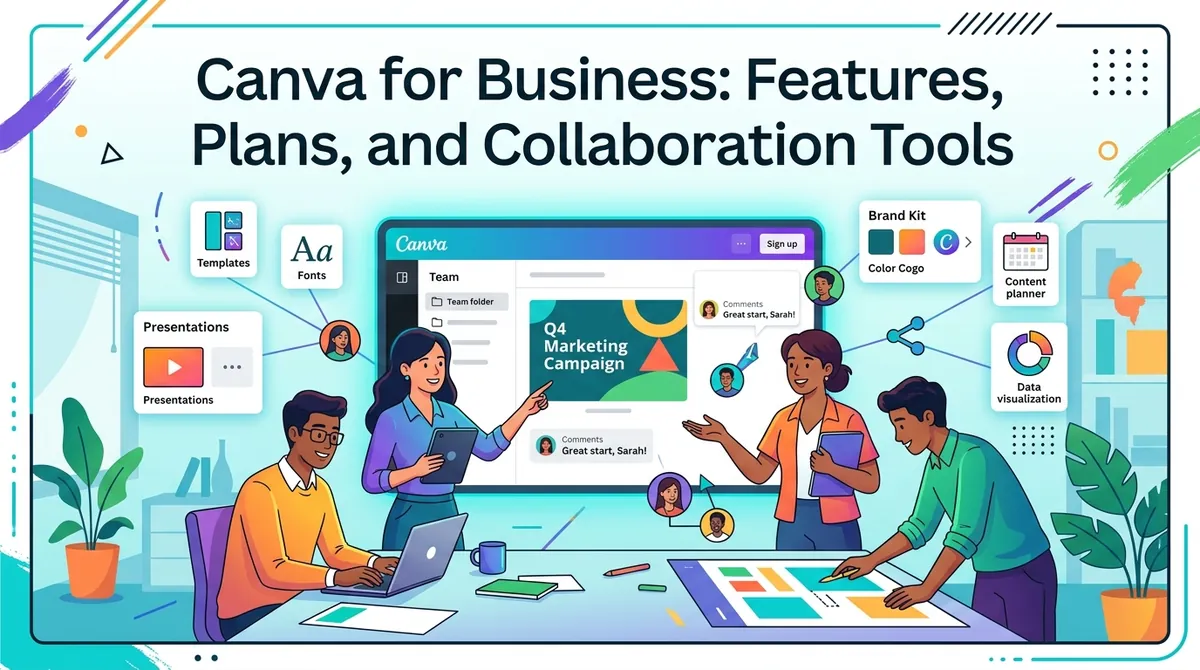
Canva is a visual communication and design platform that enables businesses to create presentations, social media graphics, marketing materials, videos, documents, websites, and other digital content. Its browser-based interface combines templates, design tools, stock media, collaboration features, artificial intelligence, and brand-management capabilities in one environment.
For businesses, Canva extends beyond individual graphic design. Teams can establish shared brand systems, collaborate on designs in real time, organize creative assets, review work, and create content for multiple channels. The platform also connects with external business applications and provides tools for marketing workflows and data visualization.
Canva currently offers Canva Business for individuals and growing teams, alongside Canva Pro for individual users and Canva Enterprise for larger organizations. Canva Teams is no longer available for new sign-ups or upgrades, although existing Teams subscribers can continue using their current plan.
What Is Canva for Business?
Canva Business is designed for individuals, marketers, and small or growing teams that need professional design tools alongside collaboration, brand management, AI, and marketing capabilities.
The platform includes access to millions of templates and premium creative assets, while its broader Visual Suite combines documents, presentations, whiteboards, spreadsheets, social content, video, websites, and other formats. This allows teams to move from an initial idea to finished visual content without necessarily switching between separate creative applications.
Businesses can also use Canva to manage brand assets and establish reusable templates so employees can produce content without rebuilding designs from scratch.
Canva Business Plan
Canva Business is the primary business-oriented subscription for new small-team customers.
The current US price is $20 per person per month, with no seat minimum, according to Canva's announcement of the plan. Canva's current pricing page also lists an annual price of $250 per person, so businesses should check the billing option presented in their account when purchasing.
The plan includes features from Canva Pro together with expanded collaboration, administration, brand controls, AI usage, advertising insights, data visualization through Flourish, and additional business-oriented tools.
Canva Business provides 500 GB of cloud storage per person, up to 100 Brand Kits, design approvals, and higher AI usage than the Free plan.
Canva Enterprise
Canva Enterprise is intended for larger or multi-team organizations that require more extensive administration and governance.
Enterprise adds capabilities such as advanced brand governance, security controls, SSO, SCIM, custom integrations, and expanded administrative functionality. Canva positions Enterprise for organizations managing multiple teams or more complex creative environments.
Enterprise pricing is customized rather than presented as a standard public per-user subscription.
Design and Creative Tools
Canva provides a large collection of templates and creative assets for common business formats.
Teams can create:
- Presentations and pitch decks
- Social media graphics
- Advertisements
- Posters and brochures
- Videos
- Documents and reports
- Websites and landing pages
- Marketing emails
- Infographics
- Internal communications
Canva's Visual Suite allows different formats to be incorporated into connected workflows, while its design import tools can turn existing PDFs, PowerPoint files, and other supported formats into editable Canva designs.
This can be useful when businesses need to adapt the same campaign concept for several channels.
Brand Kits and Brand Management
One of Canva Business's central business features is Brand Kit.
Organizations can store logos, colors, fonts, imagery, and brand guidelines in a shared environment. Canva Business currently supports up to 100 Brand Kits, allowing organizations managing multiple brands or sub-brands to organize their visual identities separately.
Brand Templates can standardize recurring designs while allowing employees to change approved content. Administrators can also lock specific design elements and assign approvers to review content before publication.
This approach can help marketing and communications teams reduce inconsistencies when many employees create branded materials.
Team Collaboration
Canva supports real-time collaboration directly inside designs.
Team members can see where colleagues are working through real-time cursors, leave comments, tag coworkers, and assign tasks. This allows design reviews and feedback to remain connected to the relevant project instead of being distributed across email or separate communication channels.
Teams can also organize designs and assets into shared folders, making it easier to maintain centralized collections of campaign materials, templates, and brand resources.
Canva AI
Artificial intelligence is increasingly integrated throughout Canva's creative workflow.
Canva AI can help users generate and edit content, transform ideas into designs, and work with existing brand assets. Business subscribers receive higher AI usage limits than Free users, with Canva currently describing the Business plan as providing 20 times more AI usage than Canva Free for supported premium or advanced AI capabilities.
Canva also provides AI-powered features for marketing content and advertising workflows. The exact capabilities and usage allowances can change as Canva introduces new AI products.
Marketing and Advertising Tools
Canva Business includes tools intended to connect content creation with marketing performance.
Ad insights can connect advertising information with Canva's creative workflow, while Canva Grow is designed to help businesses create, launch, and analyze paid advertising across supported platforms.
Businesses can also create and schedule social media content, allowing marketing teams to prepare campaigns in advance and manage visual assets from a shared workspace.
Canva Business supports integrations with external services and data sources, including tools such as Google Analytics, Salesforce, and HubSpot, allowing teams to incorporate business information into creative workflows.
Data Visualization and Presentations
Canva Business includes access to Flourish, which provides tools for creating interactive charts, maps, stories, and other data visualizations.
This can be useful for teams that need to transform business information into presentations, reports, marketing materials, or interactive visual content.
Canva also supports presentation creation with templates and collaborative editing, making the platform relevant to sales, marketing, management, and internal communications teams.
Canva for Different Business Teams
Different departments can use Canva for different purposes.
Marketing teams can create advertisements, social posts, campaign assets, email graphics, and presentations.
Sales teams can build pitch decks, proposals, customer presentations, and branded collateral.
Human resources departments can create onboarding documents, internal announcements, training materials, and recruitment content.
Creative teams can use shared brand systems, templates, approvals, and asset libraries to coordinate production.
Canva Pricing Considerations
Current business pricing should be checked directly with Canva because plans, promotions, regional prices, and AI allowances can change.
The current published information includes:
- Canva Business: $20/person/month in Canva's US launch announcement
- Canva Business annual pricing: $250/person/year on the current US pricing page
- Canva Enterprise: customized pricing
- Existing Canva Teams customers retain their existing subscription unless they cancel or change plans.
Organizations should also consider the number of users, storage requirements, brand-management needs, AI usage, and integrations when calculating total costs.
How Businesses Evaluate Canva
Businesses generally consider:
- Number of creative and non-creative users
- Required design formats
- Brand-management requirements
- Collaboration and approval workflows
- AI usage
- Marketing and advertising workflows
- Cloud storage
- External integrations
- Security and administration
- Enterprise identity requirements
For smaller organizations, Canva Business combines creative production with team collaboration and brand management. Larger organizations may require Enterprise capabilities for more advanced governance and identity controls.
Final Thoughts
Canva for Business combines design, collaboration, brand management, AI, marketing, presentations, data visualization, and content workflows within a single platform. Its Visual Suite allows teams to work across formats while shared Brand Kits, templates, folders, approvals, and permissions help organize the production process.
Canva Business is aimed at individuals and growing teams, while Enterprise extends the platform with more advanced governance and administration. Businesses evaluating Canva can compare the available plans based on their creative workload, team structure, brand requirements, AI usage, and security needs.