


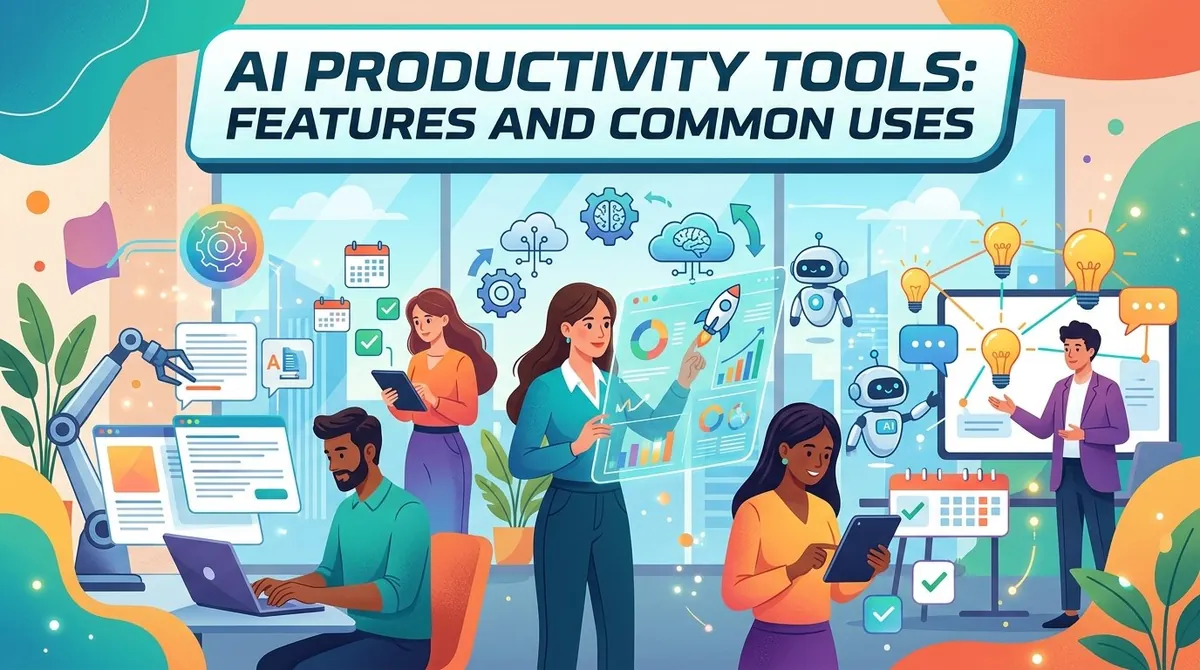
Businesses and professionals increasingly use artificial intelligence to complete routine tasks, process information, create content, and support everyday decision-making. AI productivity tools bring these capabilities directly into applications and workflows that employees already use.
AI productivity tools are software applications that use technologies such as generative AI, natural language processing, machine learning, and AI agents to help people complete work more efficiently. Depending on the product, they can assist with writing, research, meetings, project management, data analysis, communication, and workflow automation.
The range of available tools continues to expand, but their usefulness depends on how well they fit an organization's workflows and information environment. Businesses should consider functionality, integrations, data handling, security, accuracy, usability, and cost when evaluating AI productivity software.
What Are AI Productivity Tools?
AI productivity tools are applications that use artificial intelligence to assist with or automate work-related tasks. They can analyze information, generate content, summarize documents, answer questions, identify patterns, and in some cases perform multi-step tasks.
AI assistants are increasingly integrated directly into workplace applications. For example, Microsoft 365 Copilot can work within Microsoft 365 applications and use relevant work context from files, messages, and meetings.
Some tools operate as standalone AI assistants, while others are embedded into email, office software, project management systems, customer relationship management platforms, and other business applications.
Key Features of AI Productivity Tools
AI Writing and Content Generation
Many AI productivity applications can generate, rewrite, summarize, or edit text. Common uses include drafting emails, creating reports, preparing presentations, writing marketing content, and improving existing documents.
Generative AI can also create images, audio, video, and software code, expanding its use beyond traditional text-based productivity applications.
Document Summarization
AI tools can analyze documents and produce shorter summaries of lengthy material. Employees may use this capability to review reports, meeting notes, contracts, research materials, or internal documentation.
Some enterprise tools can combine AI with organizational data and search systems so users can ask questions about internal information using natural language.
Research and Information Retrieval
AI assistants can help users find and organize information by processing natural-language questions. Instead of manually reviewing multiple documents or sources, users can ask questions and receive structured responses.
Organizations should still verify important information, particularly when outputs are used for financial, legal, compliance, or other high-impact decisions.
Meeting Assistance
AI productivity software can support meetings by transcribing conversations, generating summaries, identifying action items, and helping participants locate information afterward.
These features can reduce the amount of manual note-taking required and make meeting information easier to share with participants.
Task and Workflow Automation
AI can automate individual tasks as well as sequences of related activities. Examples include email classification, document processing, scheduling, data entry, report generation, and employee onboarding.
More advanced AI agents can plan and execute multi-step tasks while interacting with other applications and tools.
Data Analysis
AI productivity tools can help employees analyze structured and unstructured information, identify patterns, summarize datasets, and generate reports.
This can make analytical capabilities more accessible to employees who may not have advanced programming or data science skills.
Integration With Business Applications
Integration is an important feature for workplace AI. Tools can connect with applications such as email, calendars, document management systems, collaboration platforms, CRM software, and project management systems.
For example, Microsoft 365 Copilot is integrated into Microsoft 365 applications and can use organizational work context to provide assistance within those applications.
Common Uses of AI Productivity Tools
Email and Communication
AI can help draft emails, summarize message threads, adjust writing style, and organize information. This can reduce the time employees spend handling routine communications.
Project Management
Project teams can use AI to summarize project information, track action items, generate updates, identify potential issues, and support task prioritization. AI assistants are increasingly being incorporated into project management workflows.
Marketing and Content
Marketing teams can use generative AI to brainstorm ideas, draft campaign materials, summarize research, create variations of existing content, and assist with visual concepts.
Human review remains important because generated content may contain factual errors, inappropriate claims, or material that does not match brand requirements.
Customer Service
AI productivity tools can help customer service teams summarize conversations, retrieve relevant information, classify requests, and automate routine interactions.
AI workflows can also route requests and provide information to customers before transferring more complex cases to human representatives.
Finance and Administration
Finance teams can use AI to support invoice processing, expense tracking, reporting, anomaly detection, forecasting, and other administrative activities.
Human Resources
HR teams may use AI to assist with employee support, recruiting workflows, workforce planning, document processing, and administrative tasks.
Software Development
Developers can use AI tools to generate code, explain existing code, create documentation, assist with testing, and identify potential problems. Some AI agent systems can also automate portions of the software development lifecycle.
Benefits of AI Productivity Tools
AI productivity software can provide several potential benefits:
- Time savings: Automating repetitive activities can reduce manual work.
- Faster information processing: AI can analyze large amounts of information quickly.
- Improved accessibility: Natural-language interfaces allow more employees to interact with advanced capabilities.
- Workflow automation: AI can coordinate tasks across multiple applications and systems.
- Content support: Employees can use AI for drafting, editing, brainstorming, and summarization.
- Scalability: Automated processes can support larger workloads without requiring every task to be handled manually.
The actual impact depends on the task, implementation approach, quality of the underlying data, and level of human oversight.
Key Considerations When Choosing an AI Productivity Tool
Use Case
Start with a specific business problem rather than choosing a tool based solely on its AI capabilities. Identify which tasks consume significant time and determine whether AI can address them effectively.
Accuracy and Human Oversight
AI-generated outputs can require verification. Organizations should establish appropriate review procedures, particularly for sensitive or high-impact work.
Data Privacy and Security
Understand what information the tool can access, how data is processed, where it is stored, and what administrative controls are available.
Integrations
Consider whether the tool works with existing business applications. Strong integrations can make AI assistance more useful because employees can work within familiar systems.
Usability
Employees are more likely to use productivity software when the interface is intuitive and the tool fits naturally into existing workflows.
Cost and Scalability
Compare subscription costs, usage limits, implementation expenses, integration requirements, and administrative overhead. Organizations should also consider how costs may change as adoption grows.
Examples of AI Productivity Tools
The market includes standalone assistants as well as AI capabilities embedded within broader software platforms. Examples include Microsoft 365 Copilot, which integrates AI assistance into Microsoft 365 applications, and IBM's AI productivity offerings, which include tools for workflow orchestration and employee productivity.
Other productivity platforms incorporate AI into areas such as writing, project management, communication, research, and document processing.
Final Thoughts
"AI productivity tools can support a wide range of workplace activities, including writing, research, document analysis, meetings" and related functions. The emphasis should be on practical implementation, considering security protocols, data management approaches, output verification, system compatibility, interface design, and financial implications. Establishing suitable human review processes helps organizations leverage these systems effectively while accounting for their constraints.